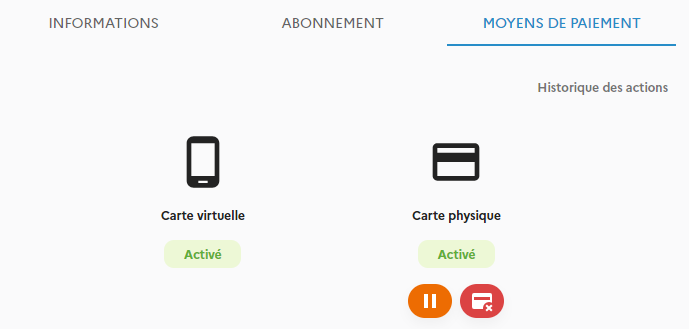
Access to a physical payment card depends on the type of subscription you have. It is only available as an option for Premium subscribers. You can order cards as a group or individually.
1. Group ordering of bank cards
The bank card bulk order feature allows the manager to order several cards at once and have them delivered to a single address, such as your office. This simplifies card distribution and reduces shipping costs.
The card PIN code is accessible from the user’s mobile application.
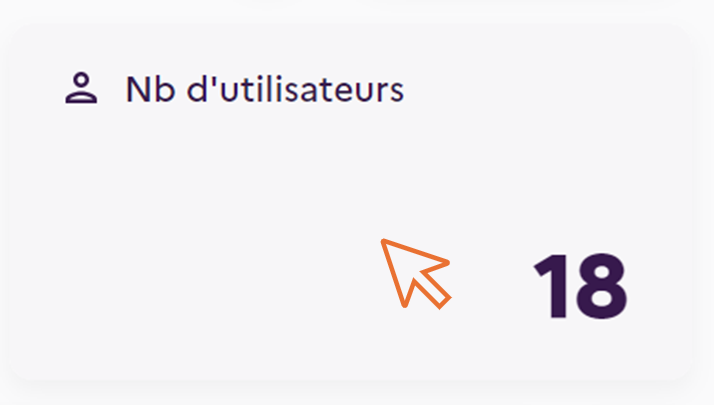
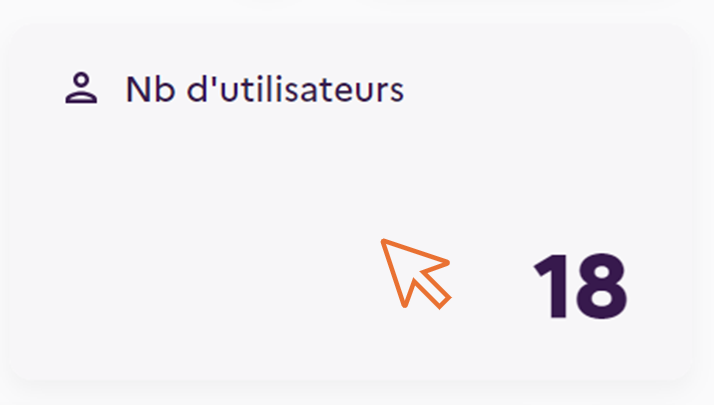
- Click on the ‘’No. of users‘’ box
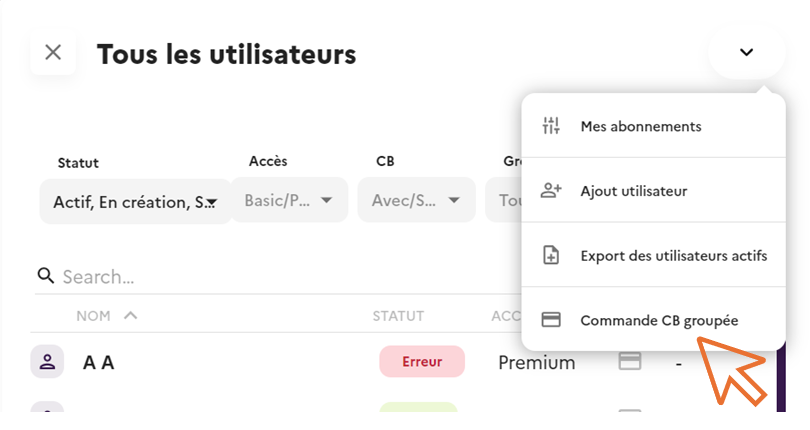
2. Click on ‘’Group CB order
3. Select the users concerned from the list
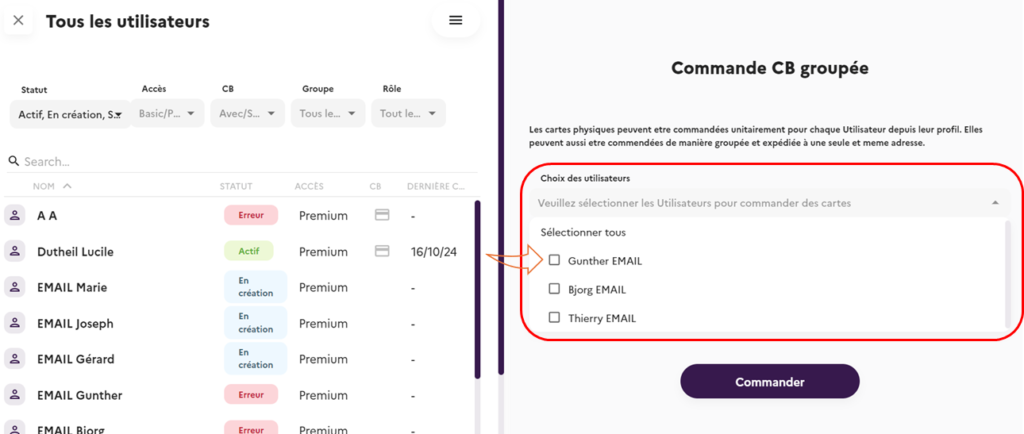
Don’t forget to press the ‘Order’ button to confirm your order.
It takes about a week to receive the cards.
Order individual cards
Display the employee file by clicking on ‘Number of users’.
- Check that the employee has a premium subscription.
- If necessary, you can order a physical card which will go through several stages.
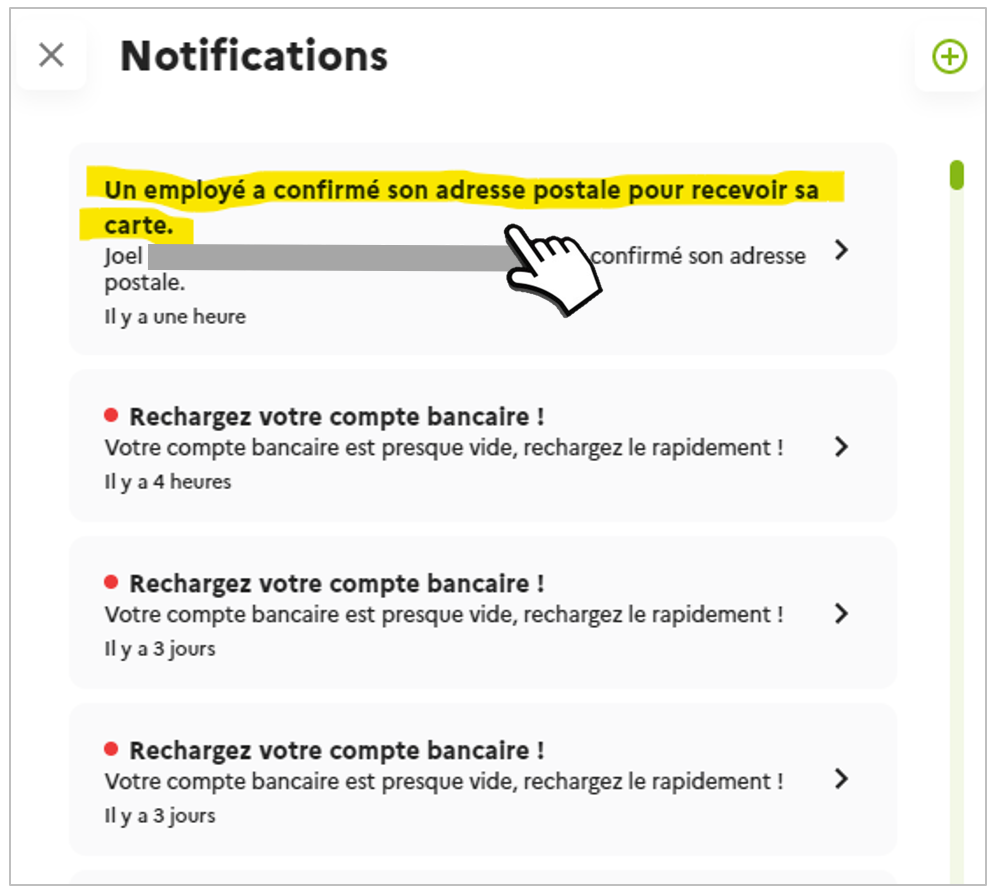
The employee receives a notification and an email asking them to confirm their address for delivery of the Card.
Once the address has been confirmed, a notification is sent to the platform.
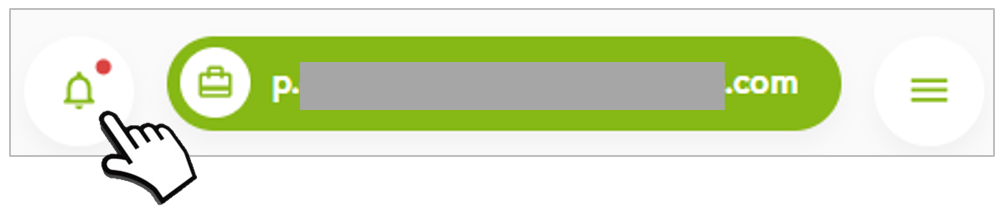
- Click on the Notifications icon
4. Click on the Notification concerned
5. Confirm by clicking on ORDER in the window
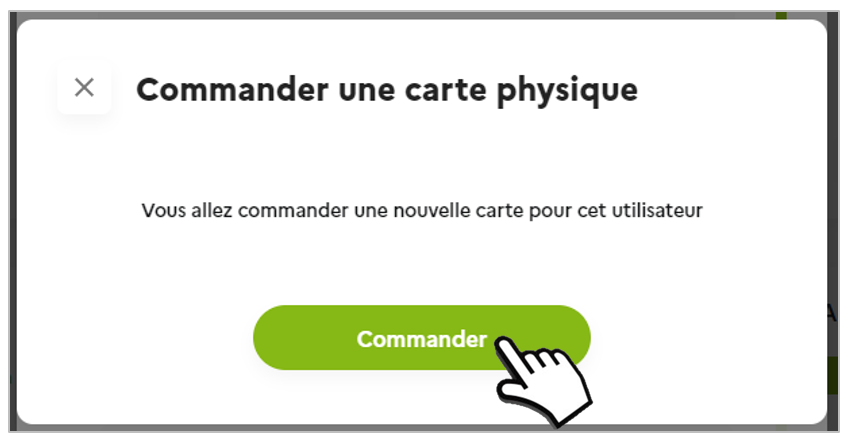
It takes about a week for the card to be issued and dispatched.
To activate their card, employees will need to make a payment using their PIN code. The PIN code can be accessed from the employee’s mobile application.
If the physical card is cancelled :
Users can cancel their physical bankcard from their mobile application (particularly in the event of loss or theft). This action is irreversible. You will receive an automatic email informing you of this cancellation. To order a new card, go to the employee file and click on ‘Order a card’.
User
If your Manager has ordered a physical payment card for you, here is the process to follow:
- You will receive an e-mail and a notification in your Mobility Pack application to check (and change if necessary) the postal address for receiving the card.
- Confirm the postal address to which you wish to receive your Card.
- The Manager confirms that the Card has been created.
- Card production and dispatch (1 week)
- Receipt of the card
- Display of the card PIN code in your mobile application
- Card activation: make a payment using the PIN code
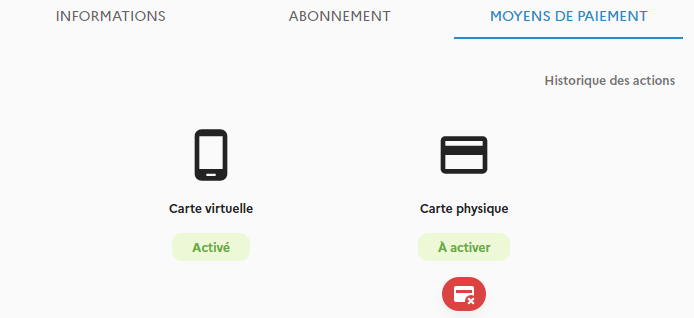
Once the card has been activated, employees can suspend it if they think they have mislaid it, or cancel it entirely if they have lost it. An automatic email will be sent to the manager, who will order a new card.