I. Presentation
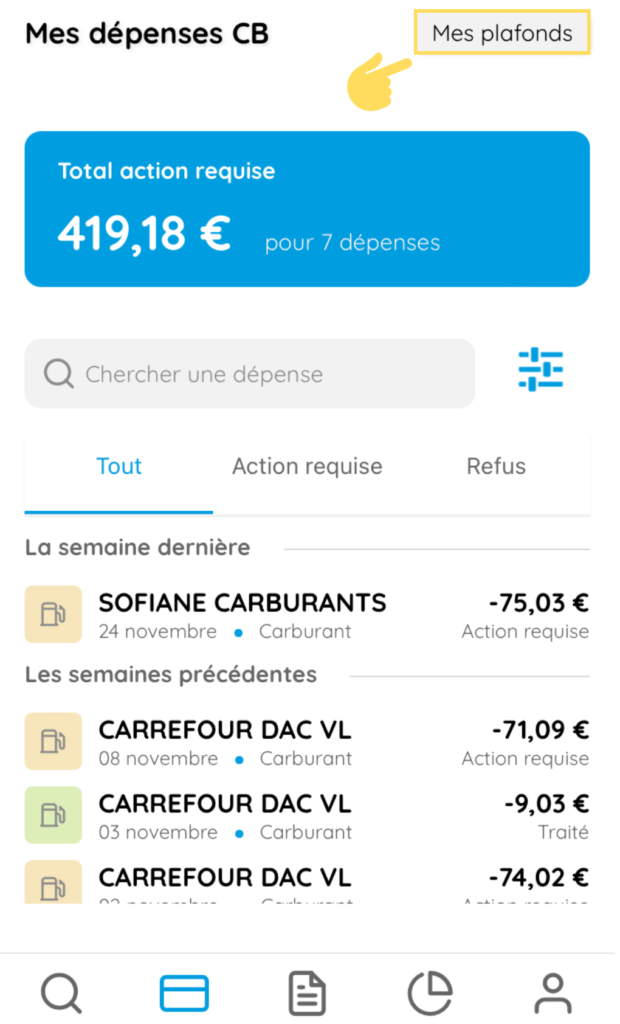
To view your spending limits set by your Manager according to your plans, click on “My limits” from the My BC Spending page.
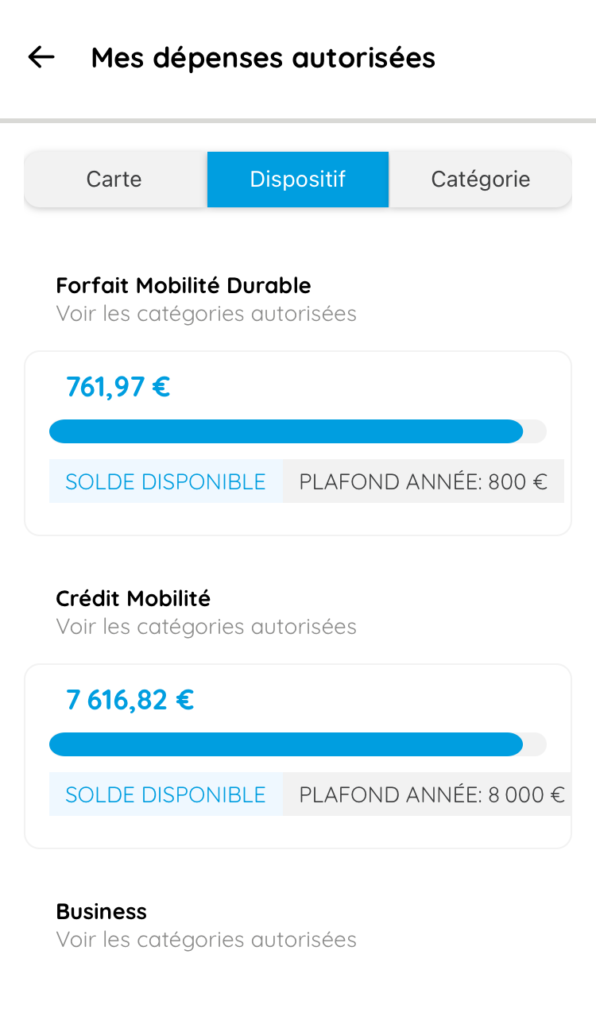
This tab allows you to view your expenditure by activated scheme (Sustainable Mobility Package, Mobility Credit) and category (catering, hotels, train, etc.). The available balance is shown, taking into account current expenditure.
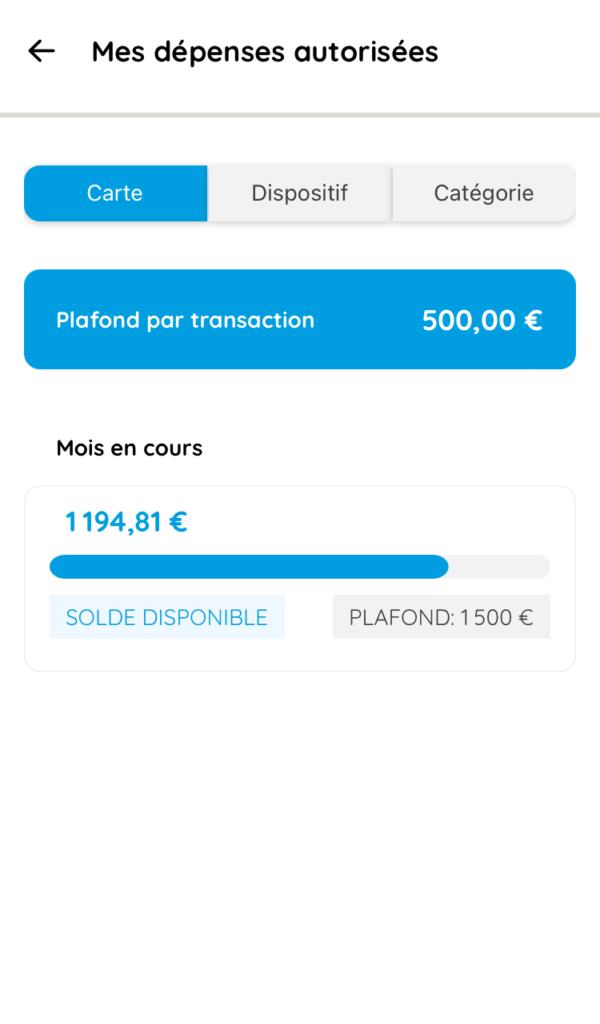
For the Payment Card, your manager can set 4 limits: – Per transaction – Per day – Per month – Per year
If, for example, you have a monthly limit of €1,000, and you have already spent €700, you will see your available balance of €300.
II. Plans
Click on Plans to display the plans assigned to you and the types of expenditure included:
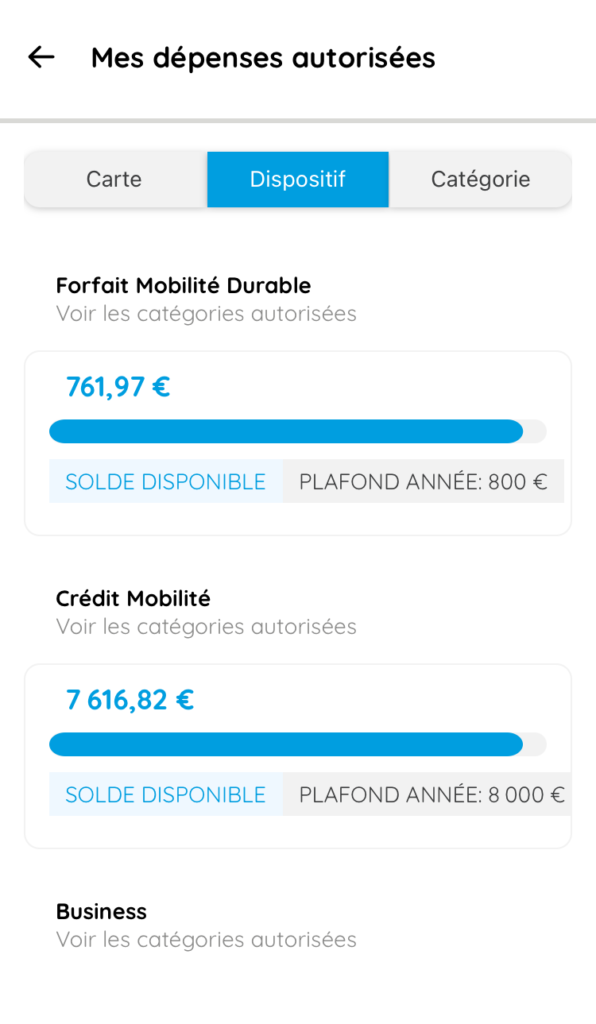
To find out more about the plans for which you are eligible, click here.
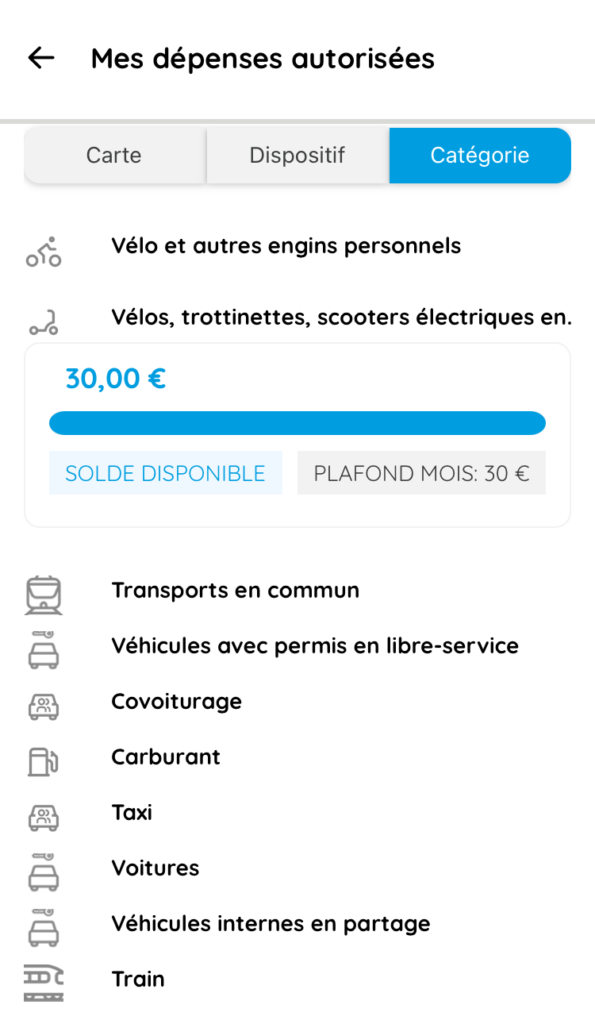
III. Categories
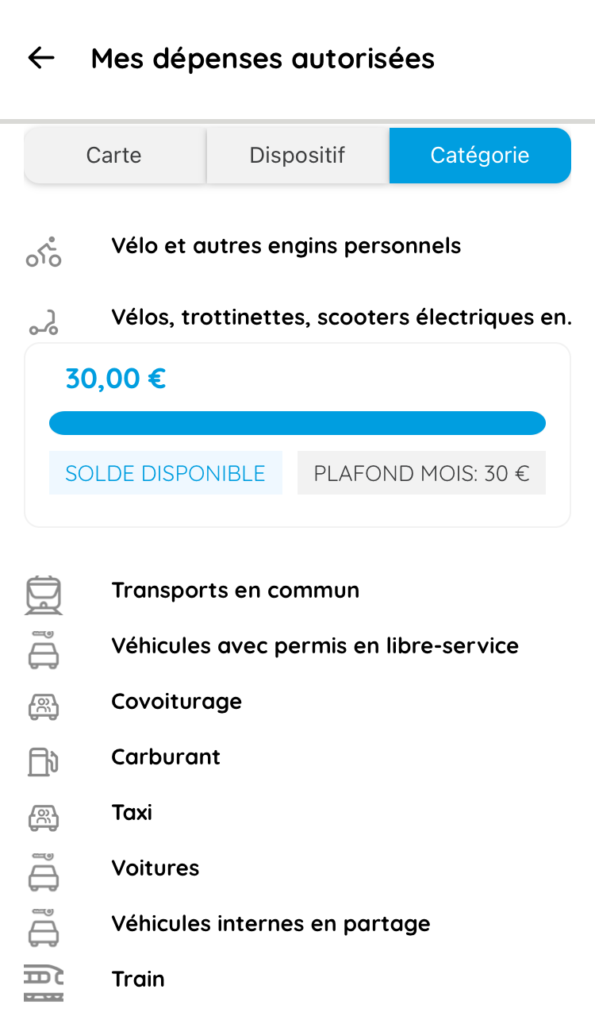
Click on the Categories tab to view the ceiling and available balance for each category.