1. My card
When you set up your account, an email will be sent to you to create a username to access the application.
When you register, you will need to make a first transaction to activate your card.

From this tab, you can view your card data, your vehicles and your information.
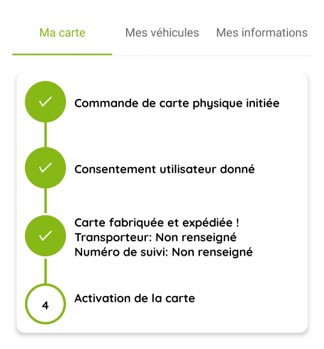
You can track the progress of your request from the application.
A. Configuring my card
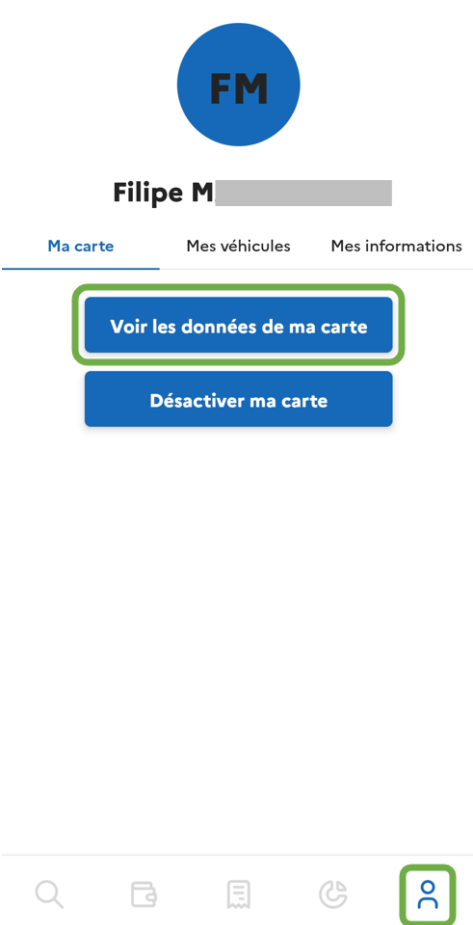
Go to the tab on the far right and then click on “View my map data”.
Enter the verification code received by text message in the appropriate field
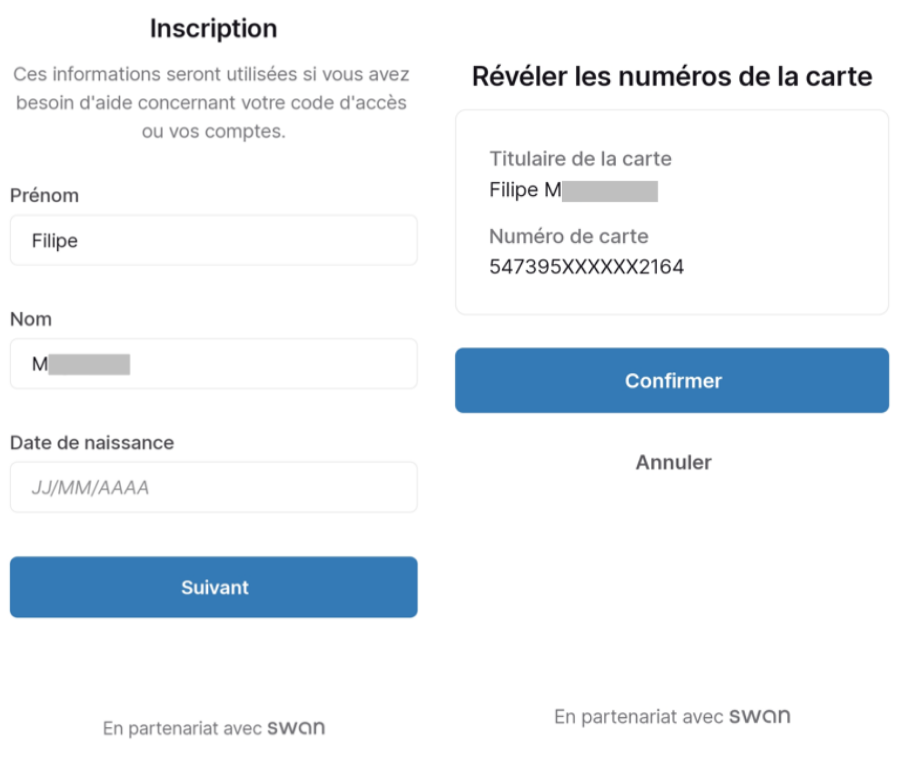
On the Registration page, fill in your details. You can now click on “Confirm” to display your card numbers
The numbers are displayed. You can either write them down on a sheet of paper or use the little “copy” icons to enter them into your Wallet.
B. Terms and conditions
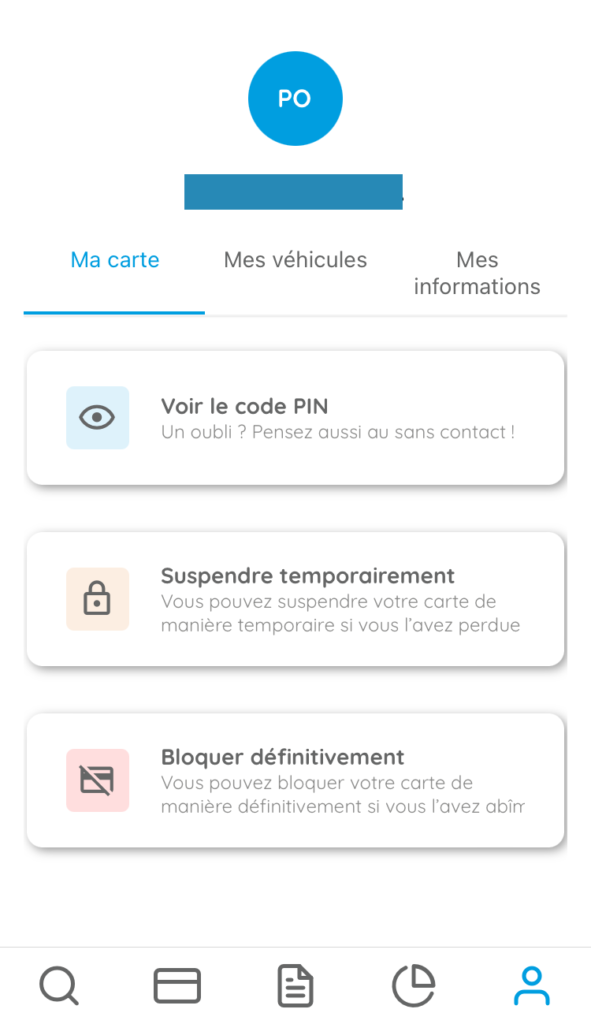
Once you have registered, you can view your PIN code again from this page. You can also temporarily suspend your card or block it permanently. These actions will require a confirmation and validation step.
You can temporarily suspend your card as many times as you like, you are the only person who can reactivate it from the app.
Your Manager may also suspend your card. In this case, only they can reactivate it.
2. My vehicles
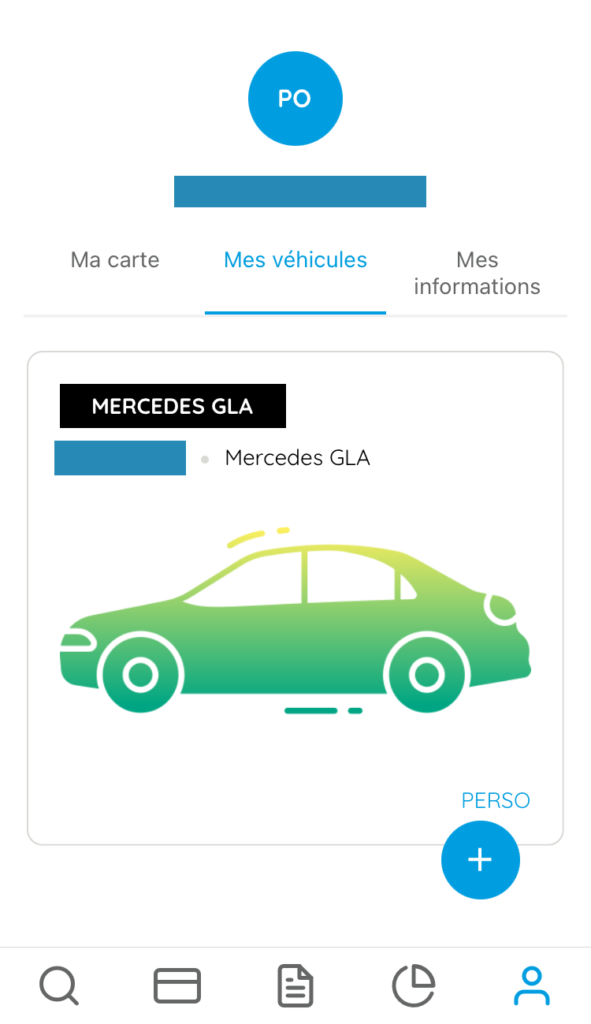
There are two types of vehicle in this tab: personal and business.
Personal vehicles are used to declare mileage allowances (IK/MA) when claiming reimbursements.
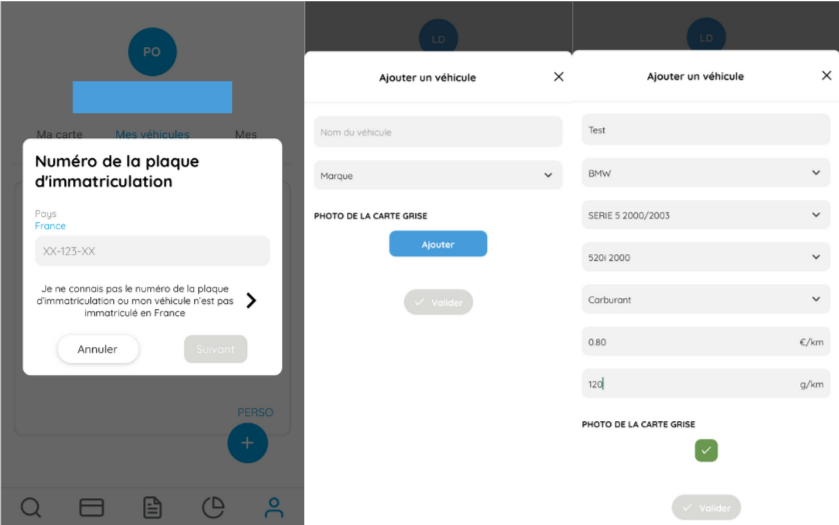
⚠️ When adding a personal vehicle, be sure to enter the PRK, or cost price per kilometre, correctly, as this has a direct impact on the amount reimbursed per kilometre travelled.
To add a personal vehicle, or using your number plate, the application will recognise the vehicle information. Or you can fill in the information manually. You must attach a photo of the vehicle registration document.
The professional vehicles are vehicles entered by the company, and assigned to employees. At the beginning of each month, you will be asked to update your mileage.
Finally, you can add a photo of the vehicle by clicking on the car icon.
3. My information
This tab contains your personal information.
Don’t forget to enter your IBAN so that you can receive your expense reimbursements from your company.
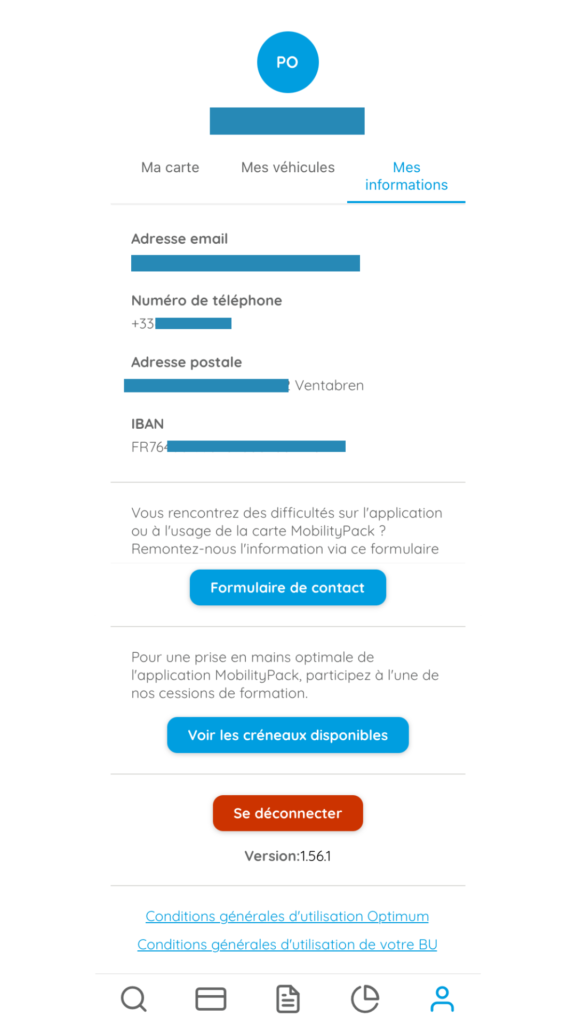
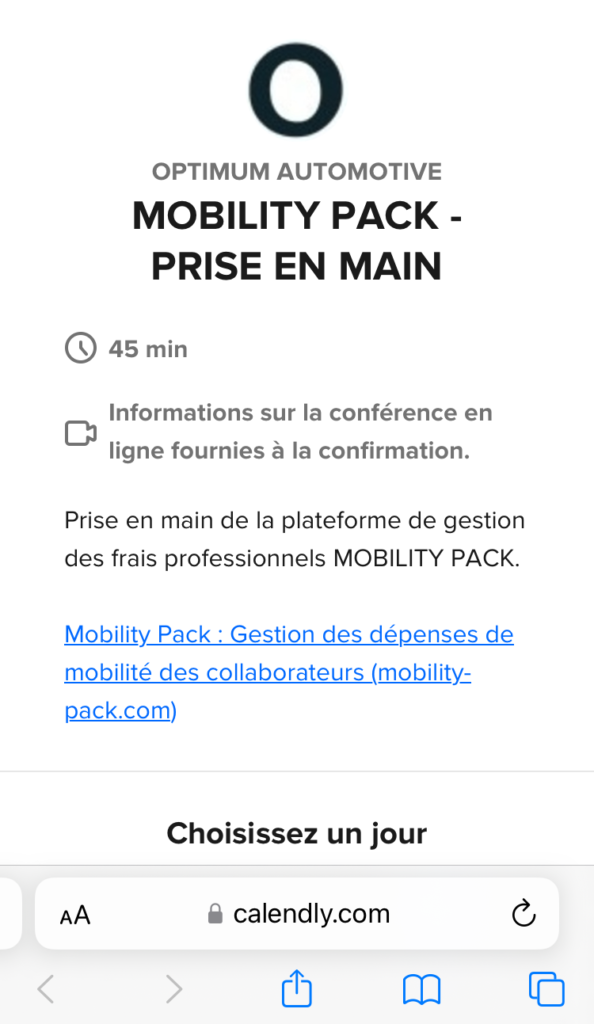
If you would like to join a 45-minute training session on the application, click on the “View available slots” button and register from the open web page.